
Deploy Agents
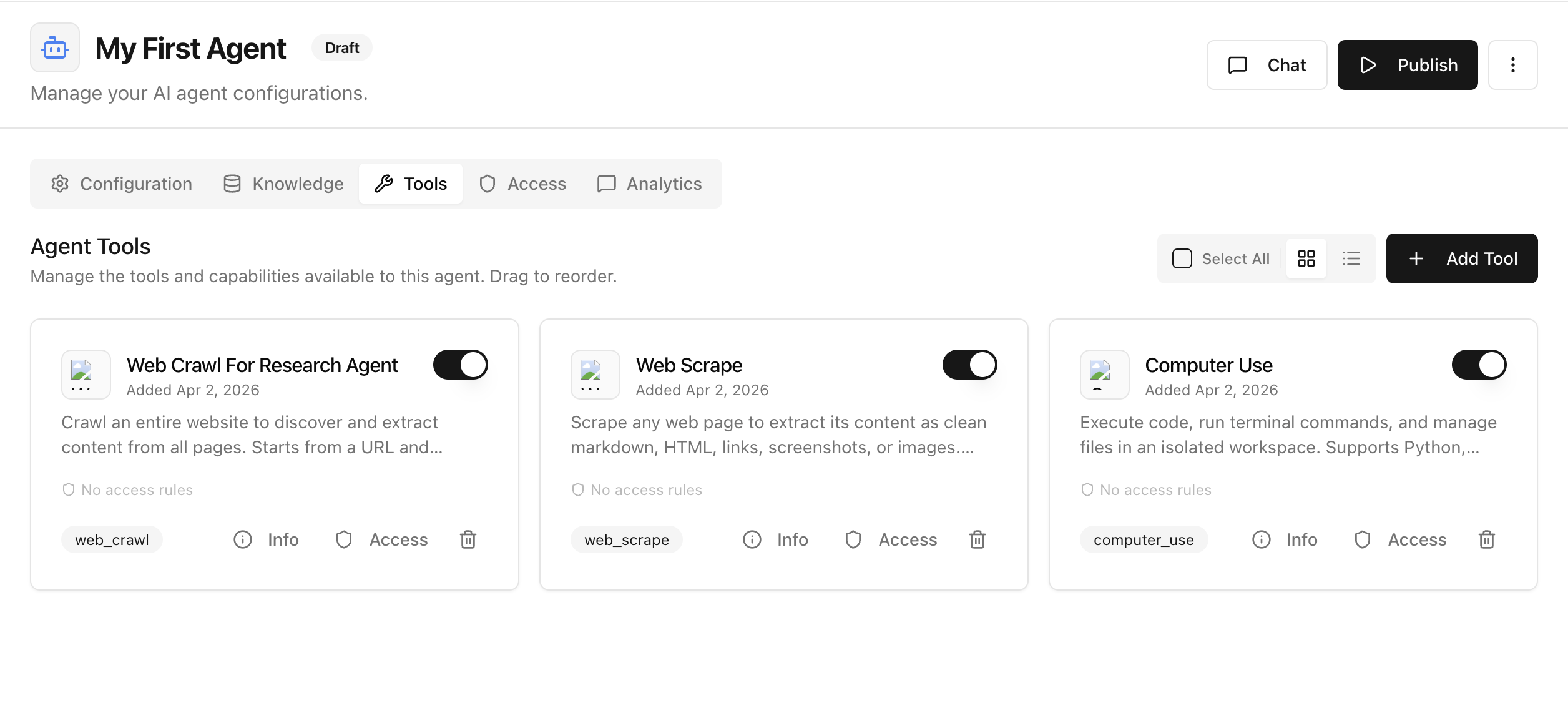
Deploying in Arkios is intentionally simple: once your configuration is ready, you can publish your agent with a single click.
One-Click Deploy
From the agent details page:
- Review your configuration, tools, and access settings.
- Click Publish in the top-right.
- Your agent is now live and ready for chats.
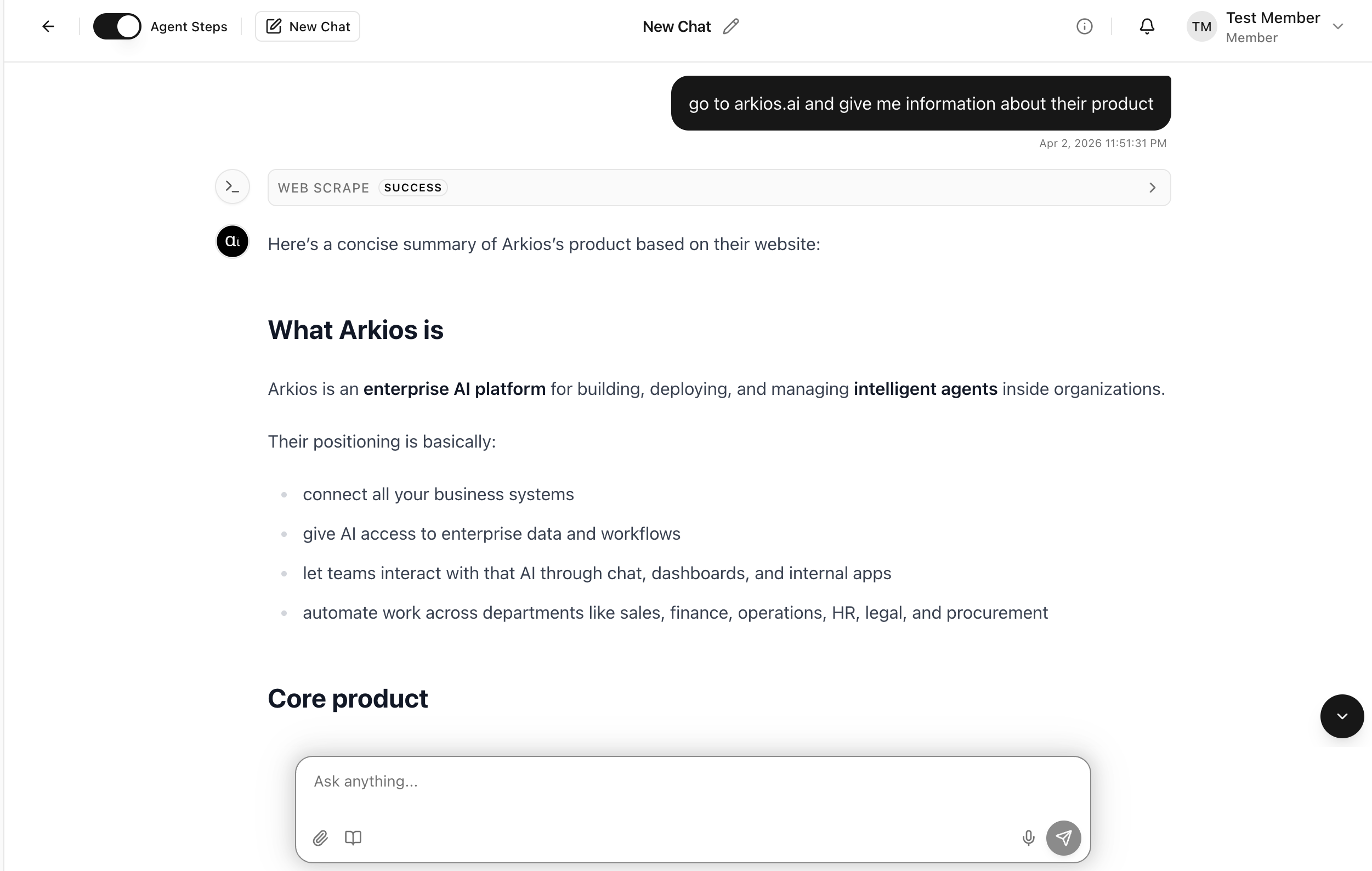
Sample Chat After Publish
After publishing, open Chat and run a quick prompt to validate behavior.
Suggested validation prompt:
go to arkios.ai and give me information about their product
What to check:
- The agent responds clearly and stays on-topic
- Tool execution is visible when applicable (for example, web scraping)
- Output format matches your expected response style
Quick Deployment Checklist
- Agent is in
Publishedstate - Required tools are enabled
- Access rules are correct for your team
- A sample chat test is successful
Next Step
After deployment, monitor usage and outcomes in Analytics and adjust prompts or tools as needed.
Last updated: April 2, 2026