
Artifacts
Artifacts are any outputs your agent creates for you. It can be a file, a website, a document, a presentation, or any other structured output your agent generates while working.
In simple terms, if the agent creates something you want to keep, review, share, or edit later, that output is an artifact. Here, we will take an example of a presentation as an artifact.
What Counts as an Artifact
Artifacts can take many forms, depending on the task.
- A presentation for a meeting
- A document or report
- A small website or interactive page
- A CSV file with structured data
- An HTML file for a simple graphic or interactive output
Artifacts are useful because they turn a chat response into something you can actually use.
Example: Create a Presentation for a Client
Let us say you want to present your platform to a client and you are in need of a presentation. You need to open your configured agent for presentation and provide it with an appropriate prompt.
You might prompt it like this:
Make a presentation about my platform for a client meeting. Keep it clear, simple, and professional. Include the problem, what the platform does, key features, business value, and a short closing summary.
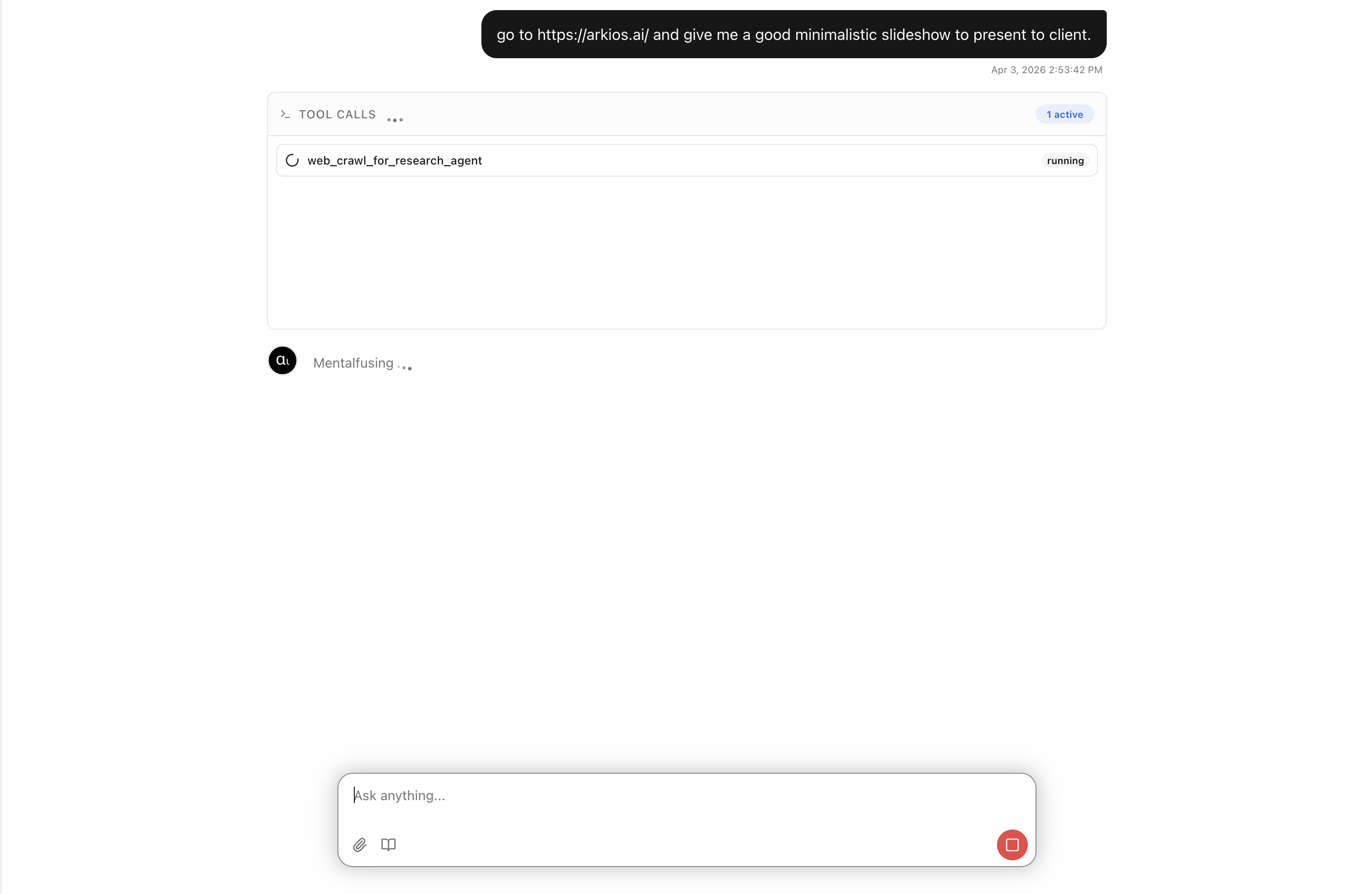
The agent will now generate a presentation artifact from this request.
That artifact could include:
- A strong title slide
- A short explanation of your platform
- Feature slides with visuals
- A clear value proposition for the client
- A closing slide for next steps
Agent uses html to generate the artifact, which we can then preview or save it for further use.
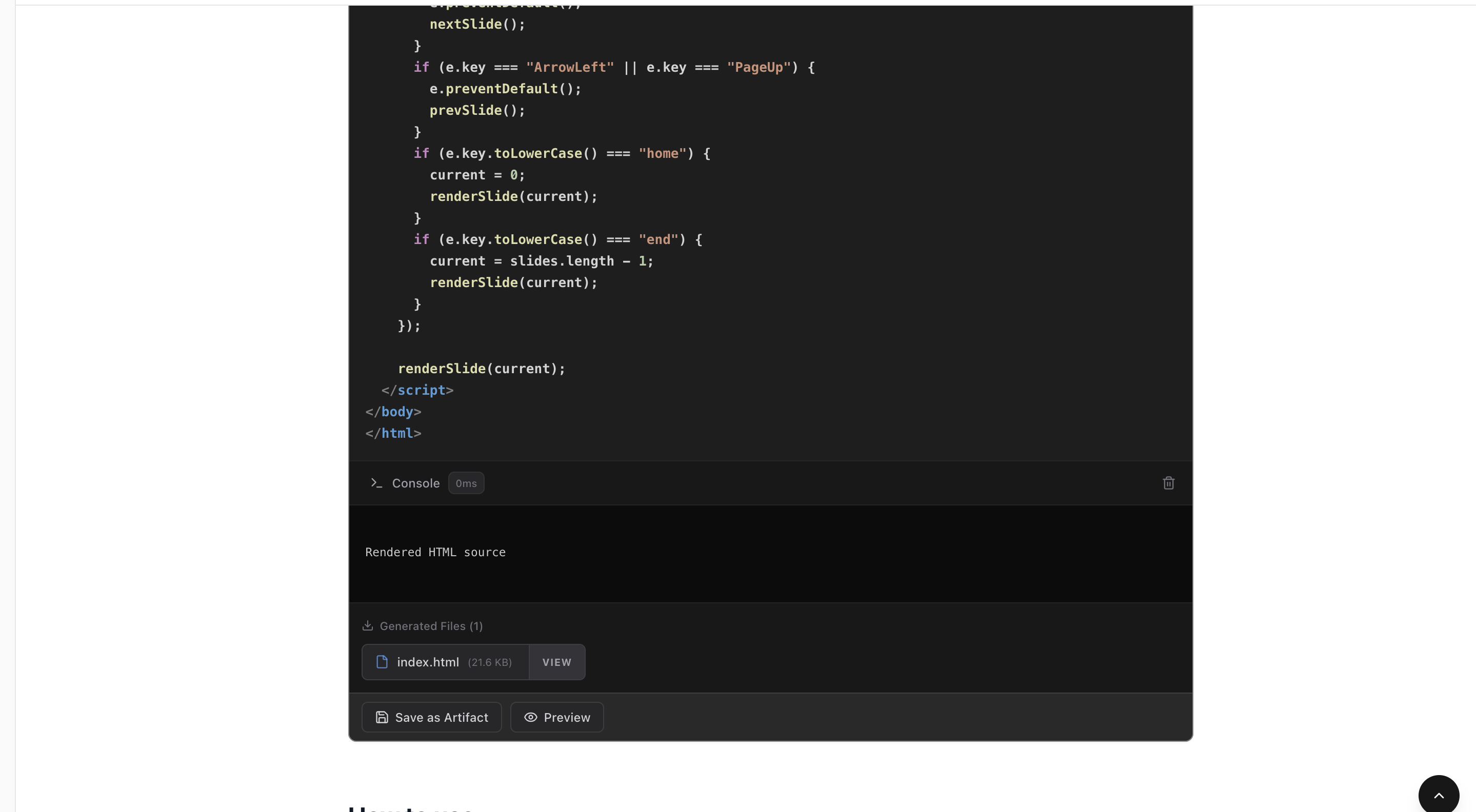
Let's give it a name and save it.

Once it is saved, go to the Artifacts area to see your saved artifact.
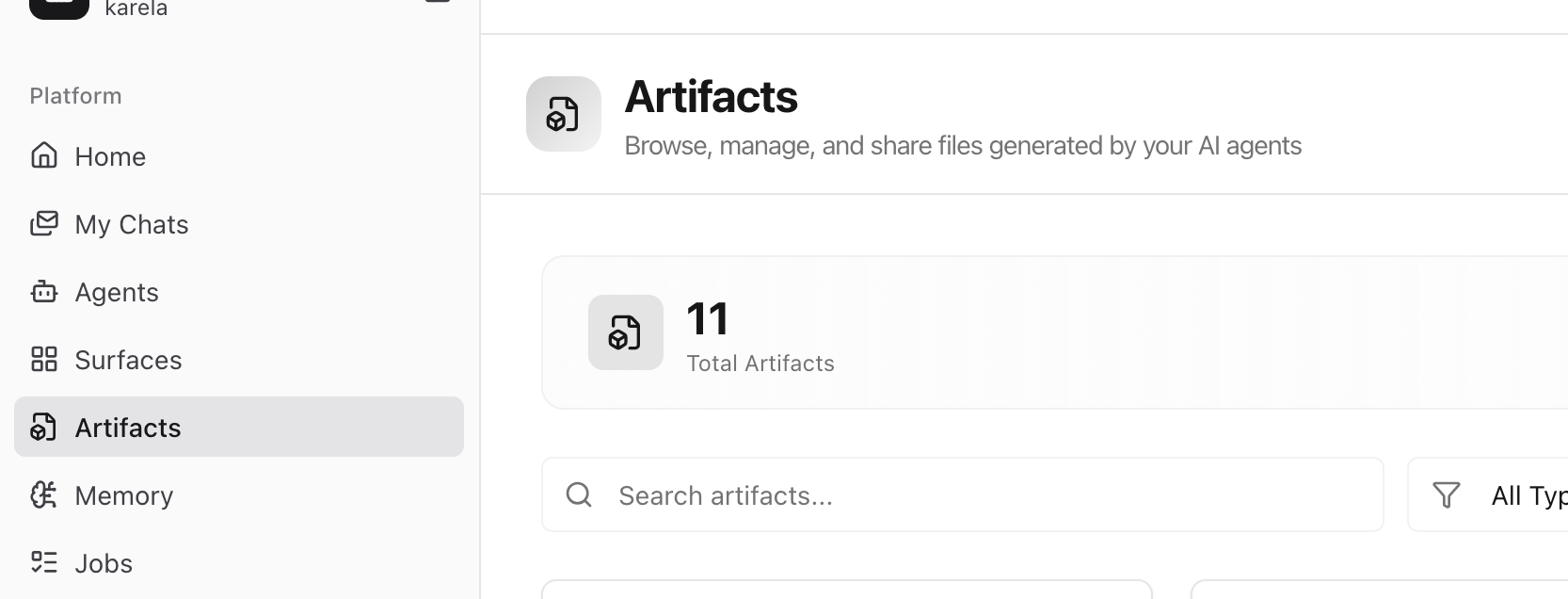
This is useful when you want to come back later, send it to someone else, or continue editing it.
To share, click the three dots and hit share, you can share with your team member for review.
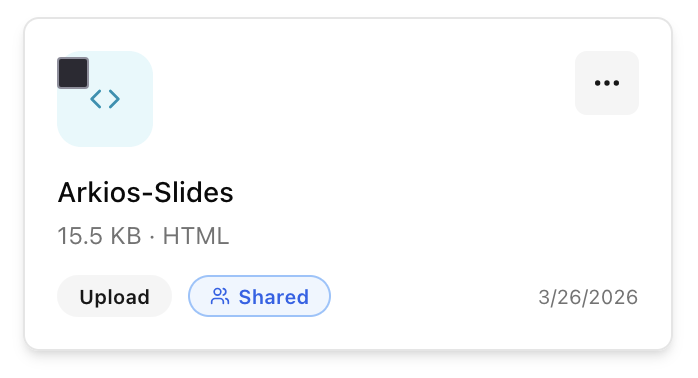
After you share, it will be visible on your teammate's "Artifacts" Section.
Editing Artifacts
If changes are needed to any artifacts, you can edit it yourself or anyone with an edit access.
For example, In our case, you may want to refine the wording, remove a slide, or improve the flow before presenting it to the client.

Share and Review Flow
The typical artifact workflow is simple:
- Ask the agent to create something useful.
- The agent generates an artifact.
- Save the artifact.
- Open Artifacts and confirm it is there.
- Share it with a manager or teammate.
- You or someone else edits it if needed.
- The final version becomes part of your work.
This makes artifacts practical for real teams, not just individual experiments.
When to Use Artifacts
Use artifacts when the output should live beyond the chat.
Artifacts are a good fit when you need something that is:
- Reusable
- Editable
- Shareable
- Reviewable
- Easy to present to another person
If the output needs collaboration or approval, it should usually be an artifact.
For a client presentation, this is especially useful because the first draft can be generated quickly, then improved through review before it is shared externally.
Best Practices
- Be clear in your prompt about the format you want
- Ask for something review-ready, not just informative
- Share artifacts early if teammates need to approve them
- Edit artifacts after generation to improve quality and accuracy
- Keep the final version as the source of truth for the task
Last updated: April 2, 2026