
Chat Interface
Arkios has three chat experiences designed for different types of work:
- Home Chat: Quick AI conversations from the home screen
- Agent Chat: Direct conversations with a specific agent
- Group Chat: Team collaboration with both AI and human chat modes
1) Home Chat
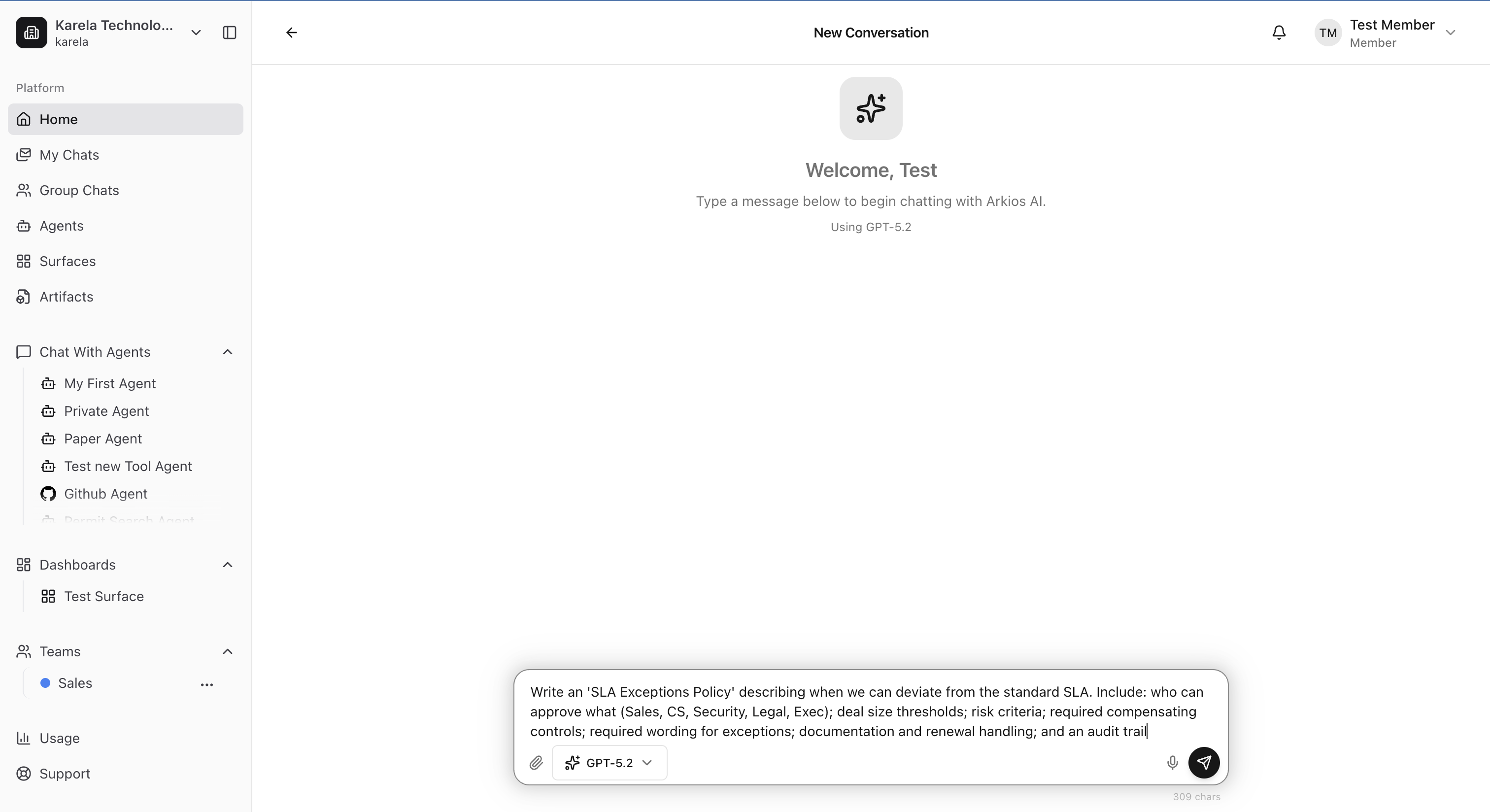
When you land on Home, you are greeted with AI chat so you can start quickly.
Use capable models for fast, practical responses. You can also attach files directly in chat to provide extra context.
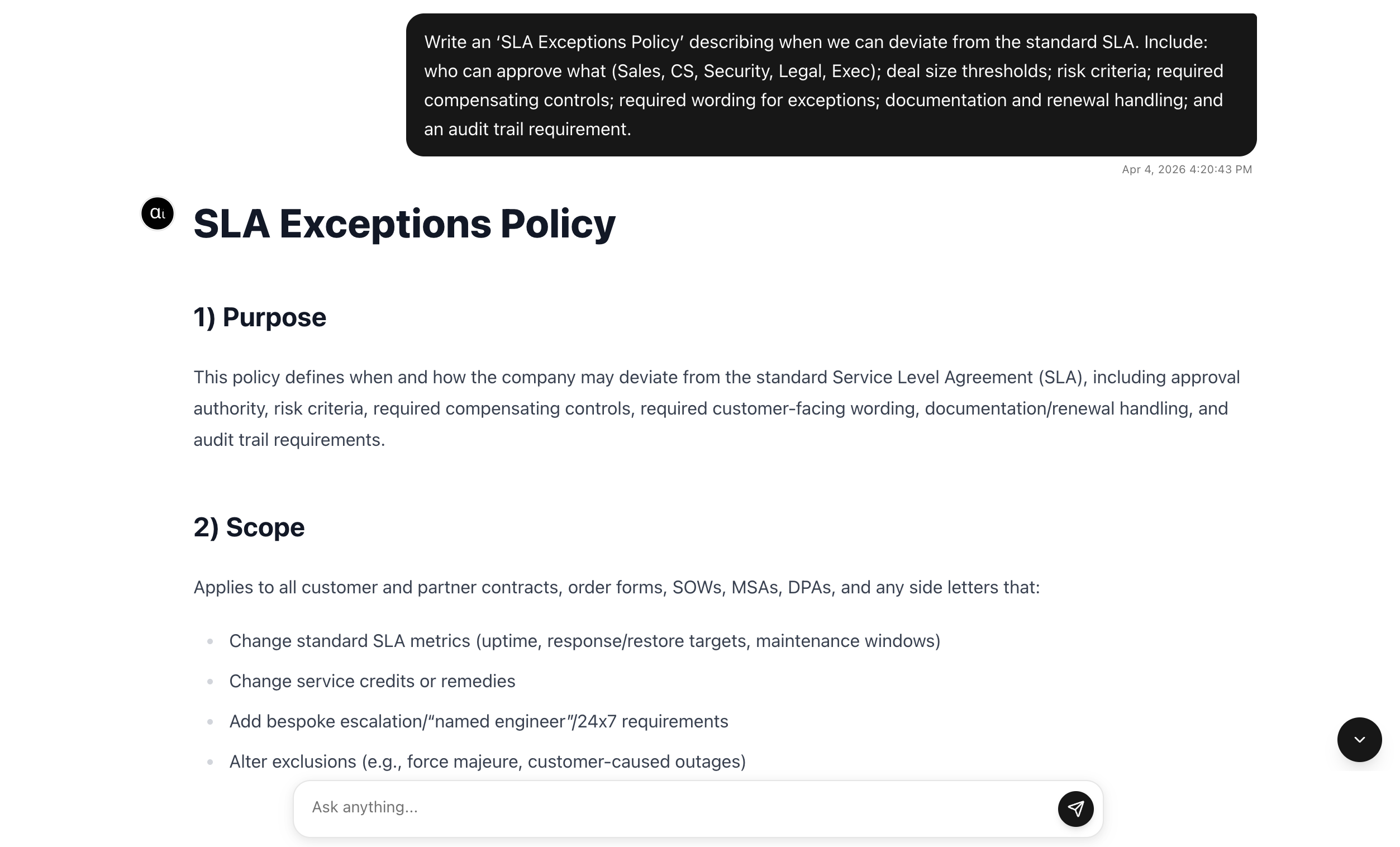
After you send a prompt, the AI response appears in the same conversation.
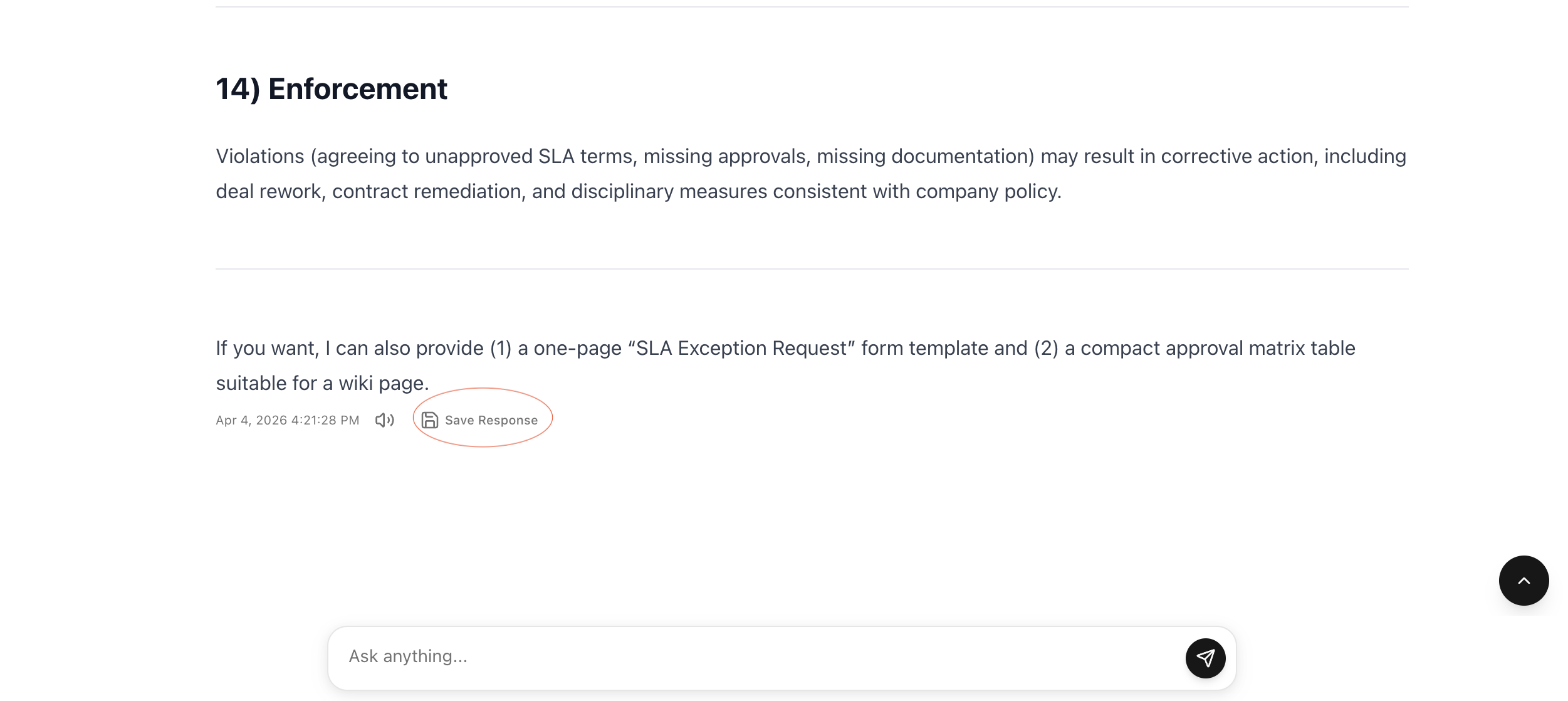
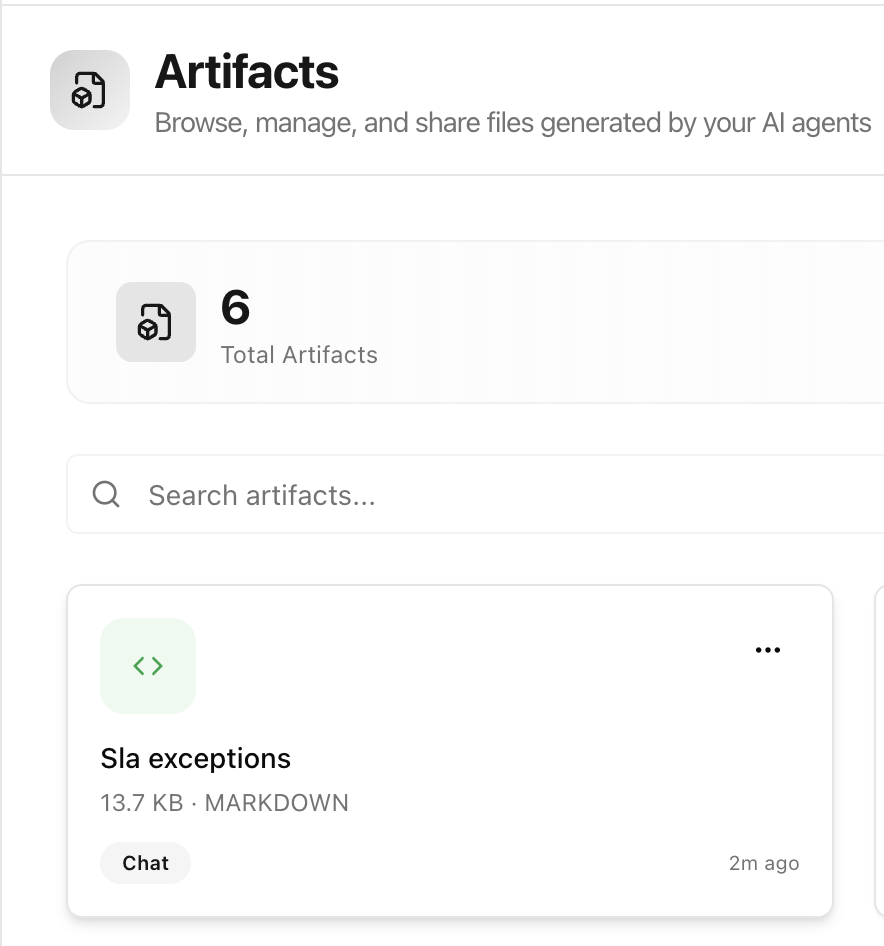
If a response is useful, use Save Response to store it as an artifact.
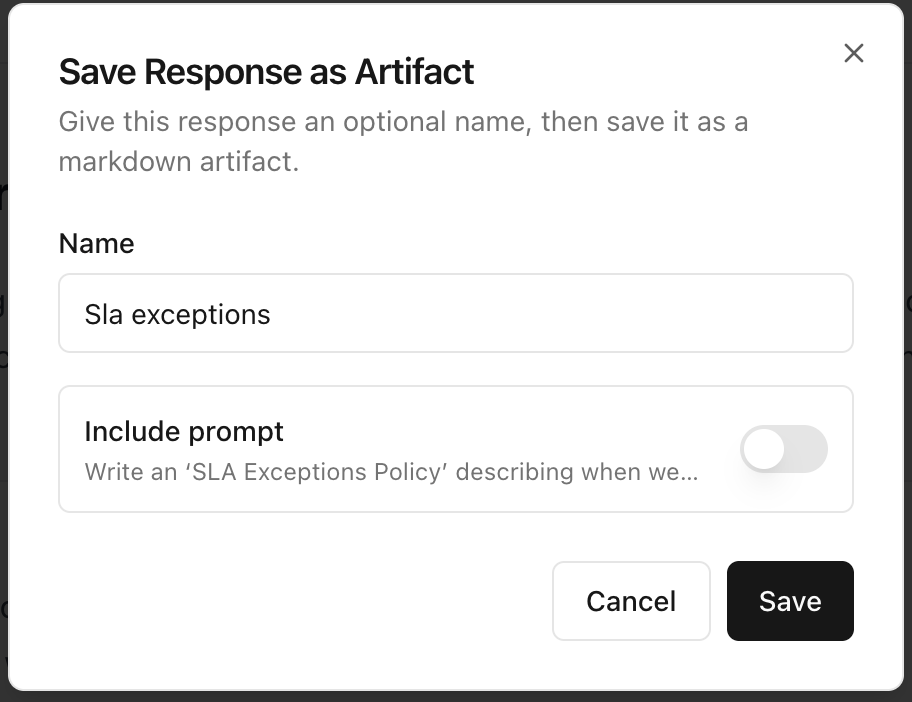
Give it a name, choose whether to include the prompt, then save.
You can later find saved outputs in the Artifacts section.
2) Agent Chat
Agent Chat is where you talk directly with your configured agents.
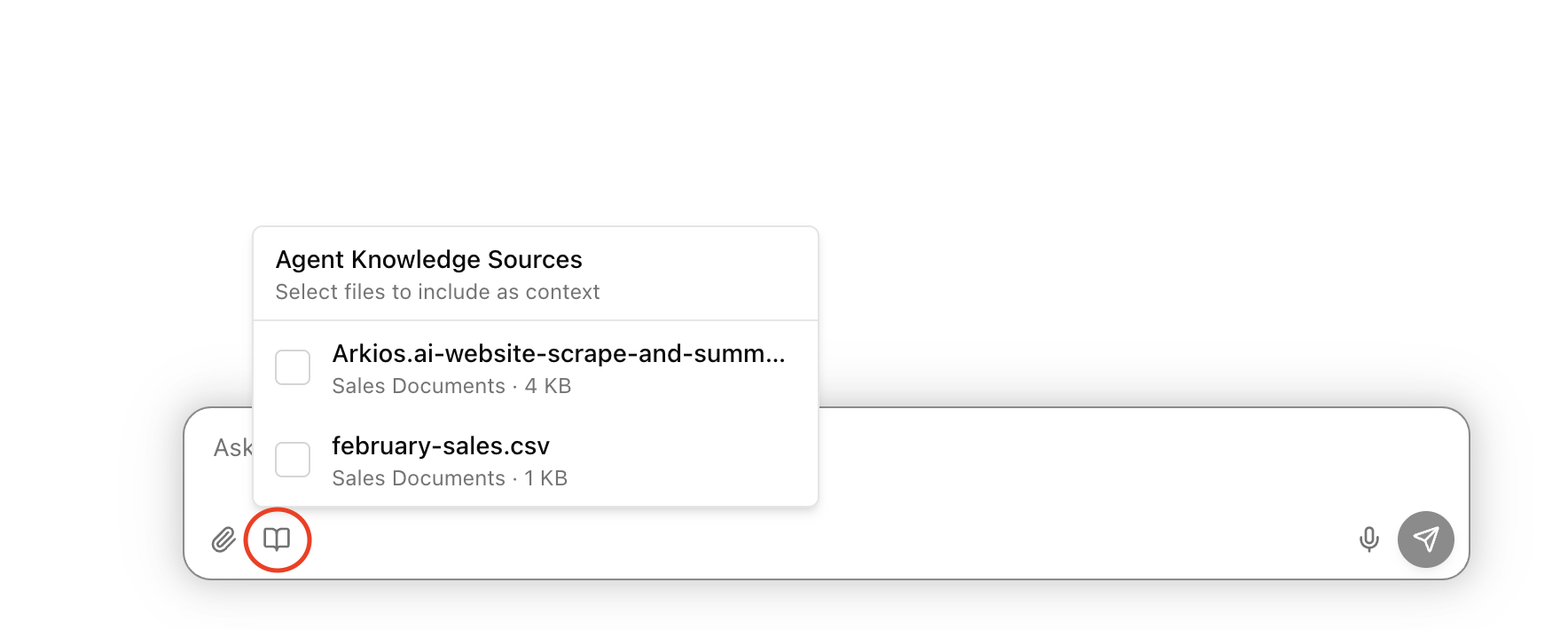
For setup details, see Agents Overview and Knowledge Sources.
Agents can access memories, and you can ask them to search your knowledge bases while they respond.
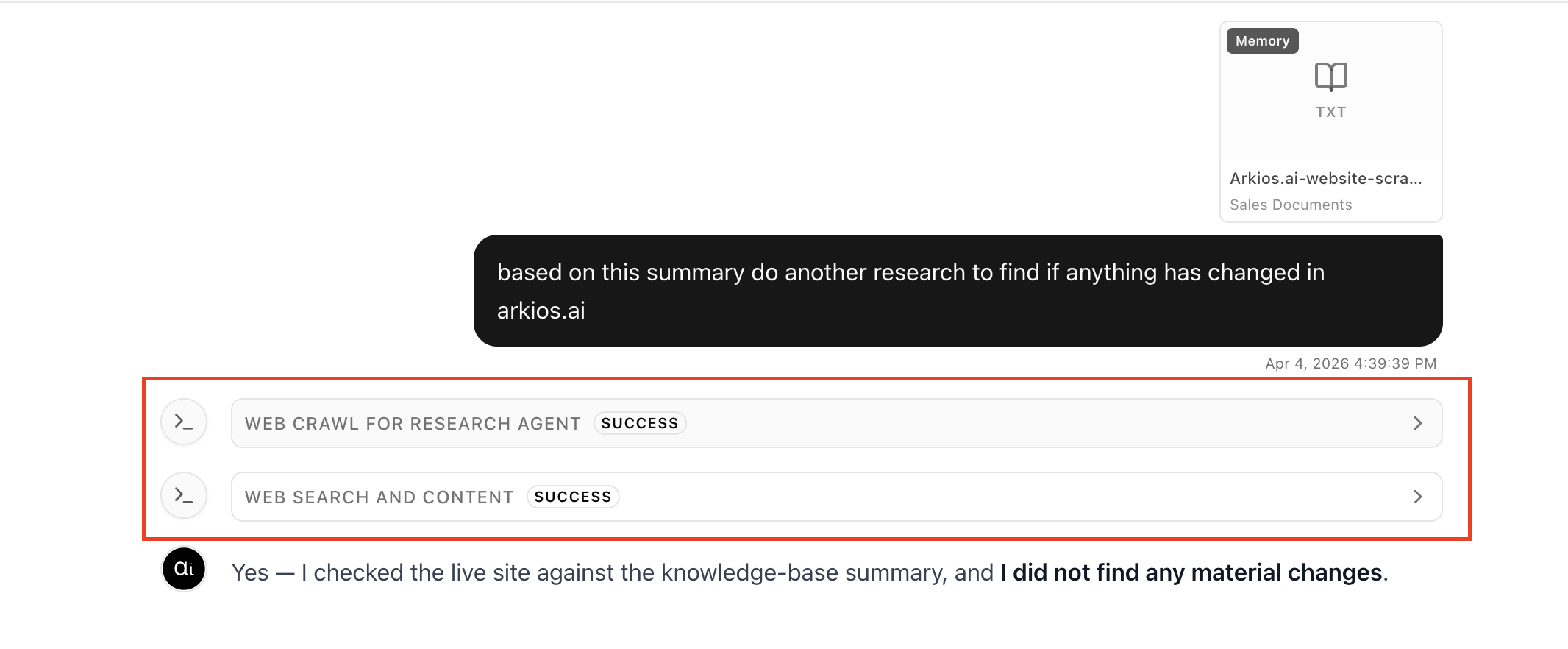
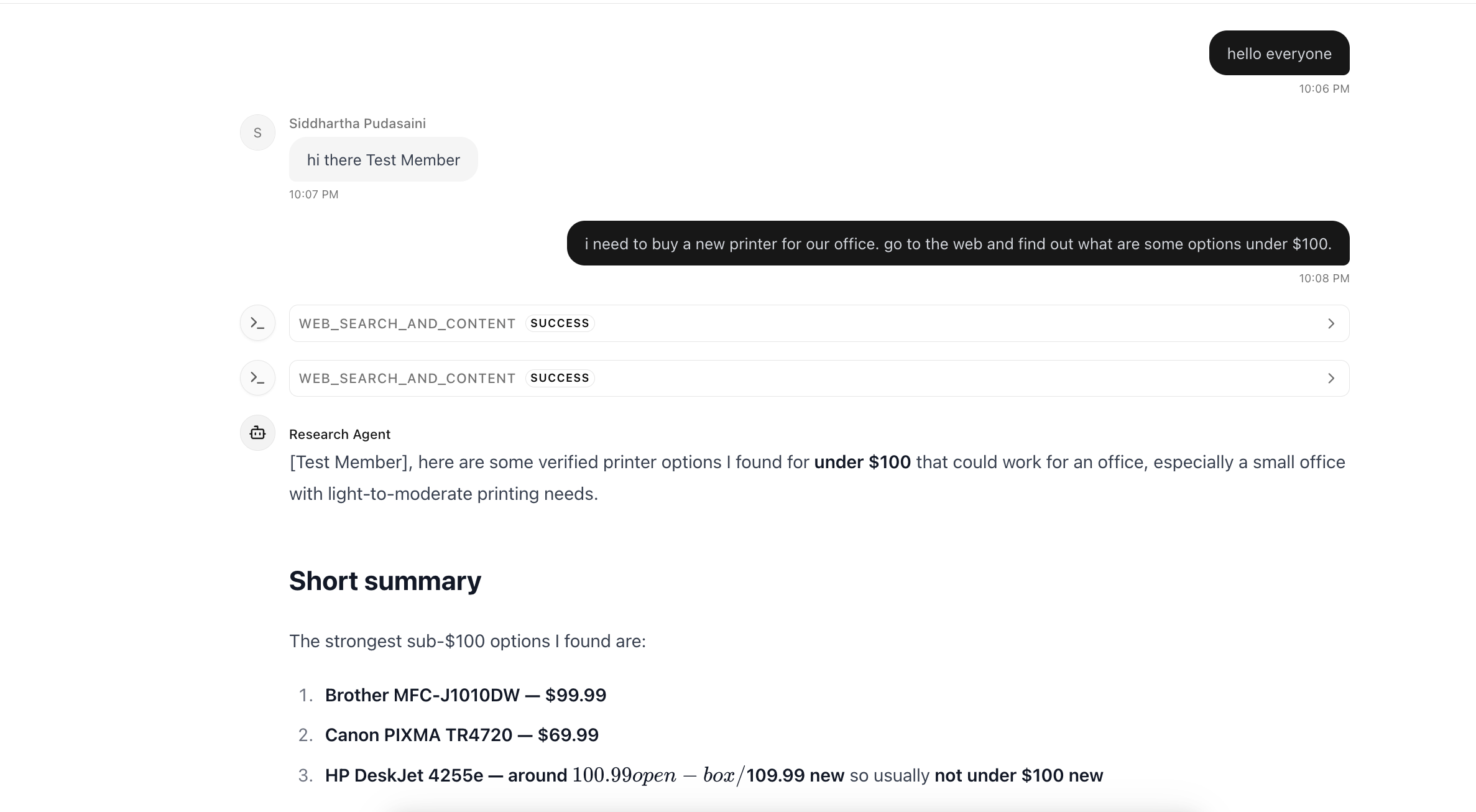
Tool calls appear in the conversation so you can review what the agent executed.
3) Group Chat
Group Chat is for collaboration with your team, with an agent living right in the conversation.
It supports both:
- AI Chat mode: the agent responds in the group
- Non-AI Chat mode: users interact directly with each other
Start by creating or opening a group chat.
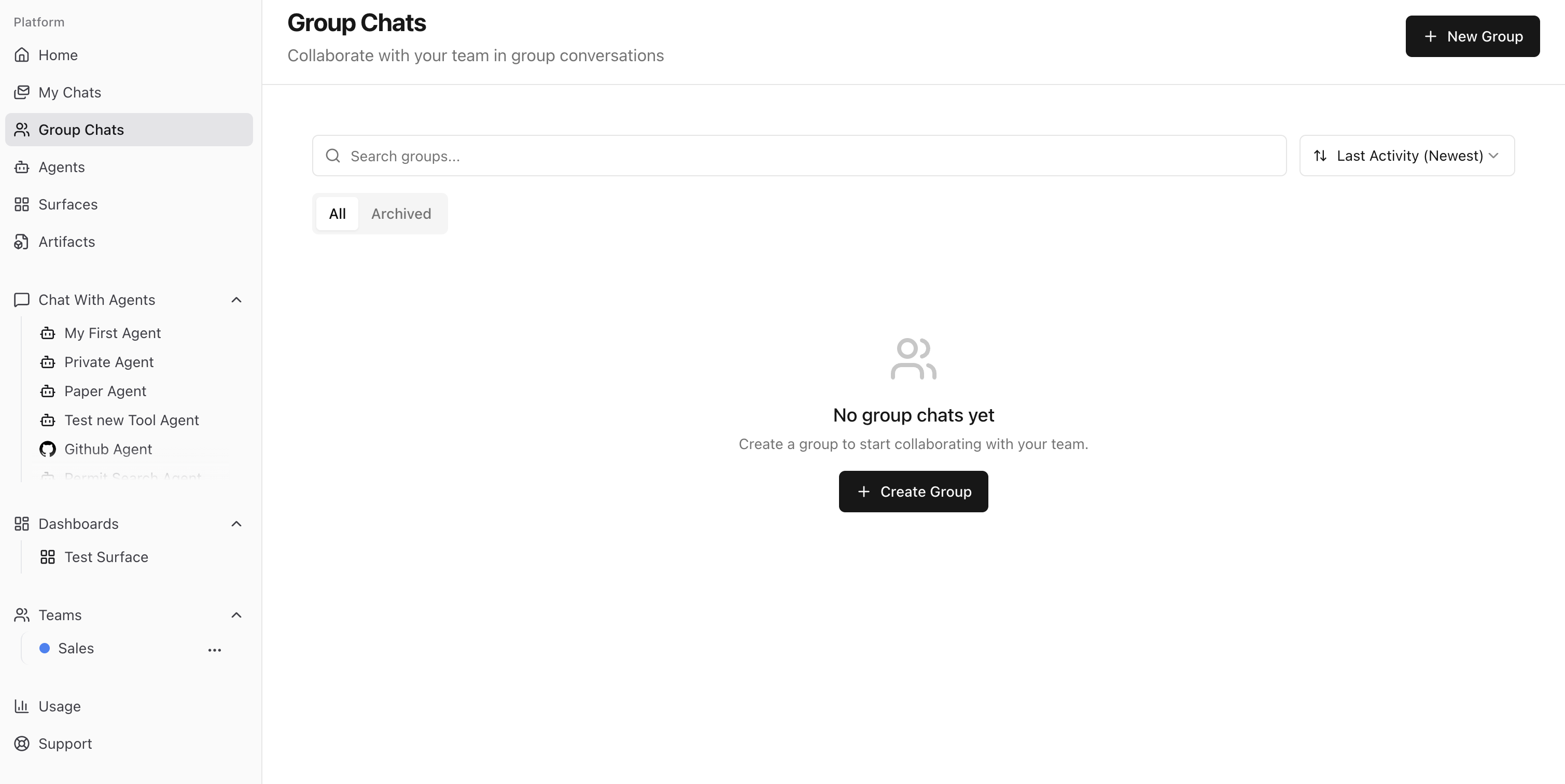
In non-AI mode, members can message each other without agent responses.
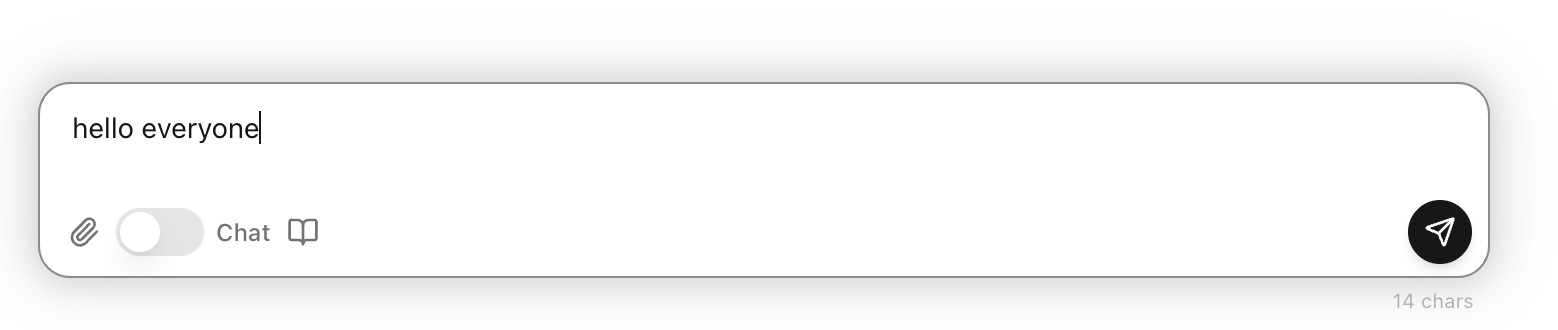
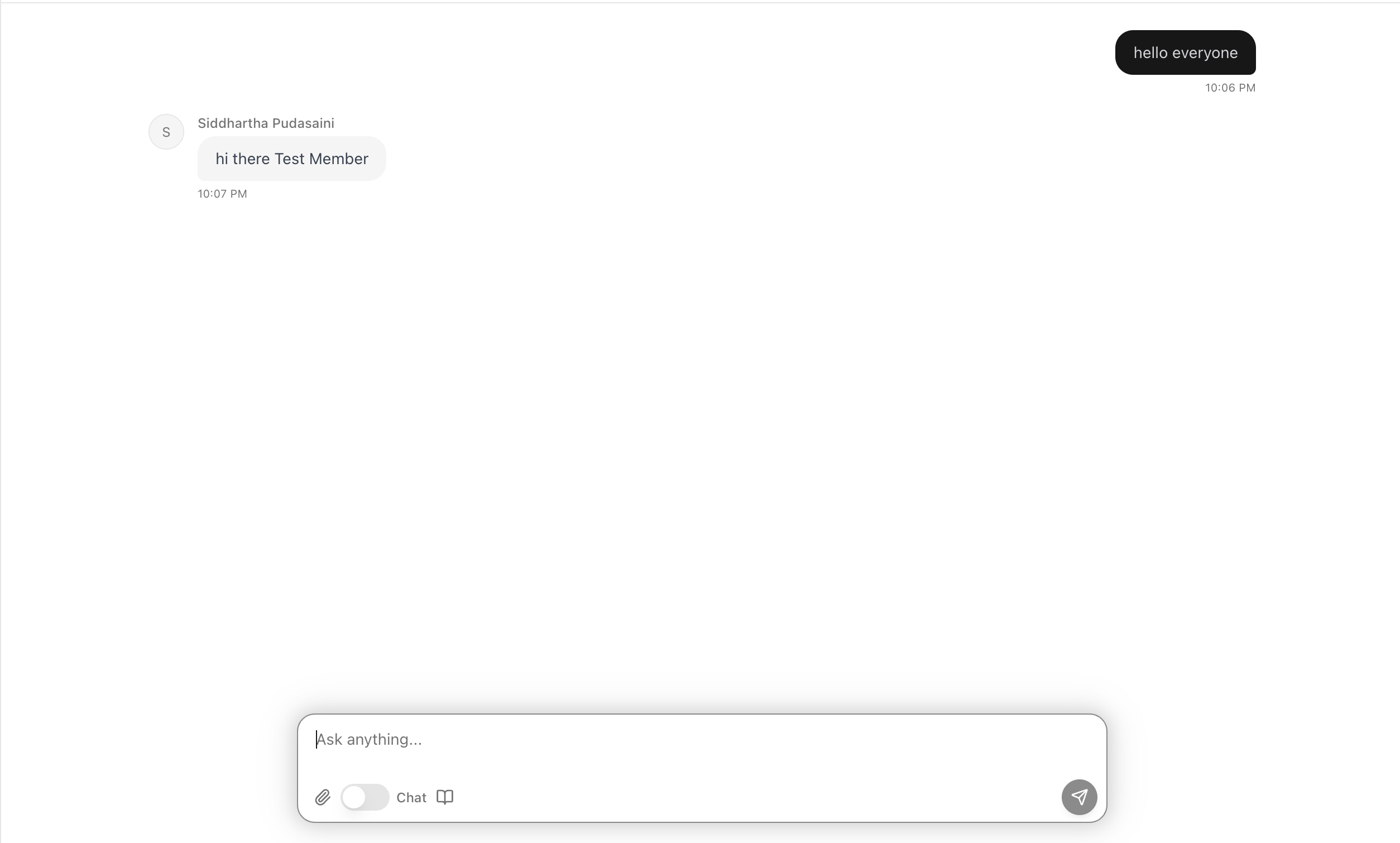
Switch to AI mode when you want agent assistance inside the same group thread.
Quick Summary
- Use Home Chat for fast AI help and one-click saving to artifacts.
- Use Agent Chat when you need memory-aware, tool-capable agent workflows.
- Use Group Chat when your team needs both human collaboration and in-thread AI support.
Last updated: April 3, 2026