
Contacts
Save your frequently called numbers as contacts so you don't have to type them every time. Go to the Contacts tab to get started.
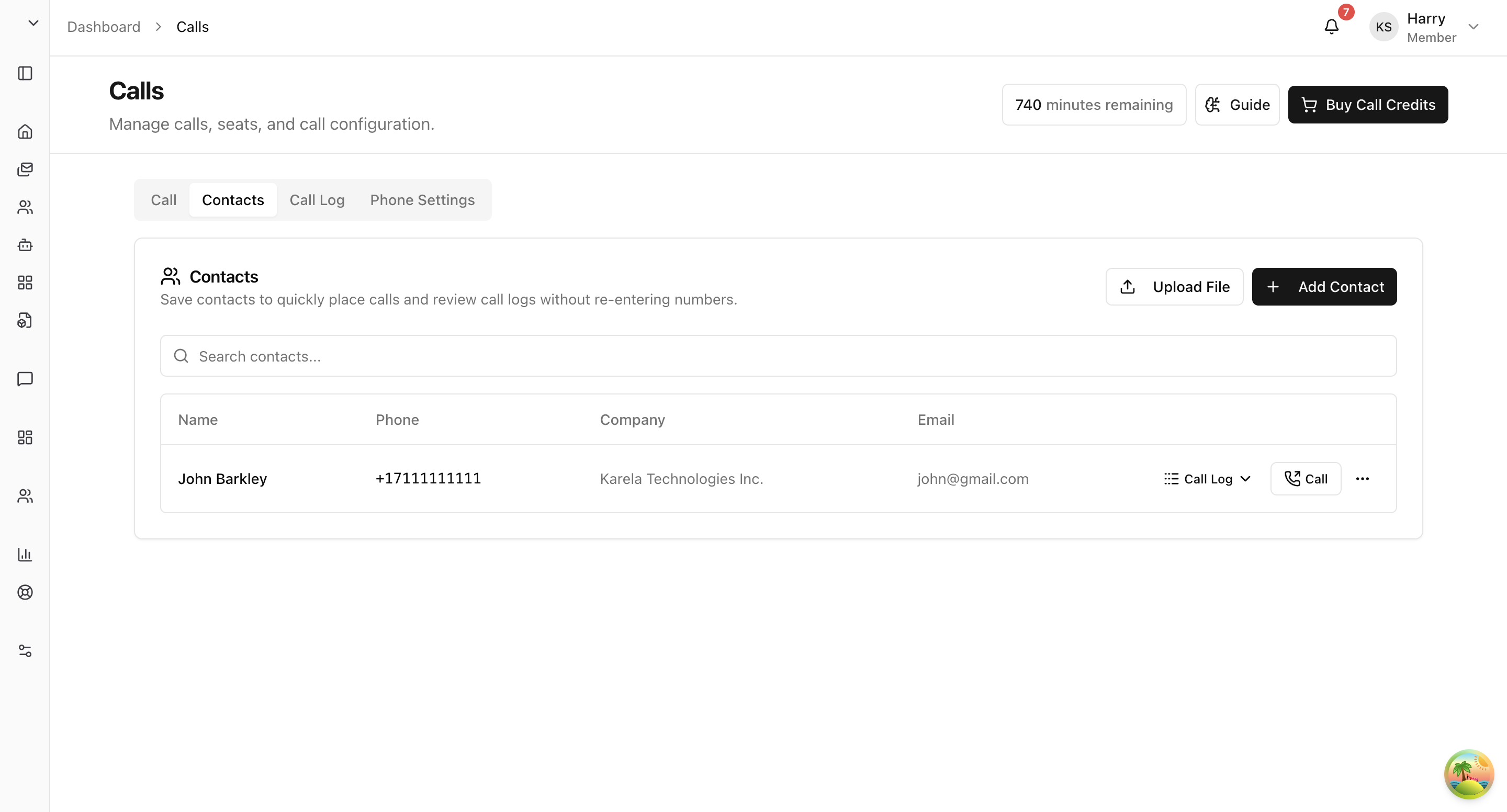
Adding a Contact
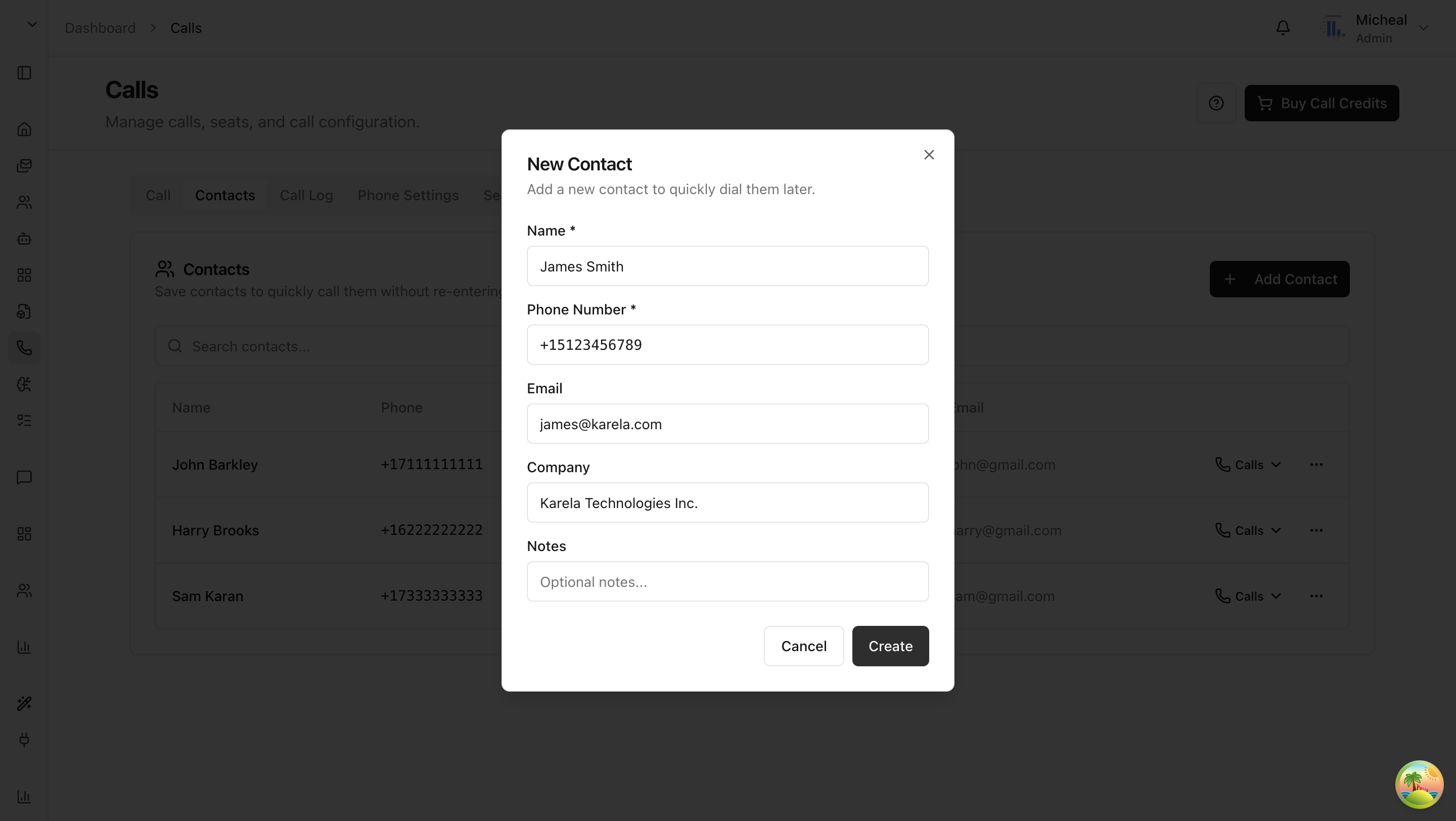
- Click "Add Contact".
- Fill in the details:
| Field | Required | What to Enter |
|---|---|---|
| Name | Yes | The contact's display name. |
| Phone Number | Yes | Their phone number in E.164 format (e.g., +15551234567). |
| No | Their email address. | |
| Company | No | Their company or organization. |
| Notes | No | Any notes about this contact. |
- Click "Create".
Importing Contacts in Bulk
If you already have a list of contacts somewhere, you can import them all at once instead of adding them one by one. Click "Upload File" and select your file.
Supported File Types
.csv— spreadsheet format (most reliable).vcf— vCard format.contact— contact file (should contain vCard-style data)
CSV Format
Your CSV file needs a header row. Here are the columns:
| Column | Required | Notes |
|---|---|---|
| Name | Yes | Contact display name. |
| Phone | Yes | Phone number. Use E.164 format (e.g., +15551234567) for best results. |
| No | Email address. | |
| Company | No | Company or organization. |
| Notes | No | Any extra notes. |
The system recognizes common header name variations:
- Name:
name,full name,contact name - Phone:
phone,phone number,phonenumber,mobile,telephone - Email:
email,email address,e-mail - Company:
company,organization,org - Notes:
notes,note
Example CSV:
name,phone,email,company,notes
John Doe,+15551234567,john@acme.com,Acme Inc,VIP customer
Jane Smith,+15559876543,jane@corp.com,Corp LLC,
VCF Format
VCF files use the standard vCard format. Arkios reads these fields:
FN— contact nameTEL— phone numberEMAIL— email addressORG— company nameNOTE— notes
Example:
BEGIN:VCARD
VERSION:3.0
FN:John Doe
TEL:+15551234567
EMAIL:john@acme.com
ORG:Acme Inc
NOTE:VIP customer
END:VCARD
Import Limits
- Contacts missing a name or phone number are skipped.
- Maximum 1,000 contacts per upload.
- Maximum file size: 2 MB.
Editing and Deleting Contacts
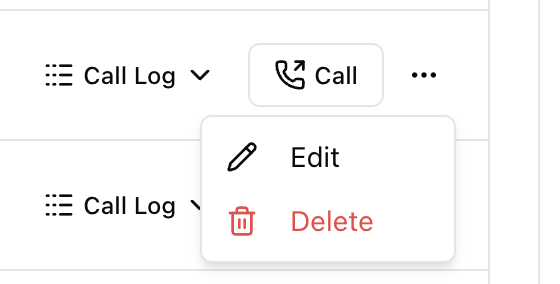
- Click the pencil icon on any contact to edit it.
- Click the trash icon to delete it.
Quick Dial
Want to call a contact quickly? Click their phone number in the Contacts tab. You'll jump straight to the Call tab with that contact already selected — just hit call.
Last updated: April 11, 2026