
Setting Up the Call System
Who can do this? Only enterprise owners and admins.
Before anyone on your team can make or receive calls, you need to complete a one-time setup. This is a guided 3-step wizard that takes just a few minutes.
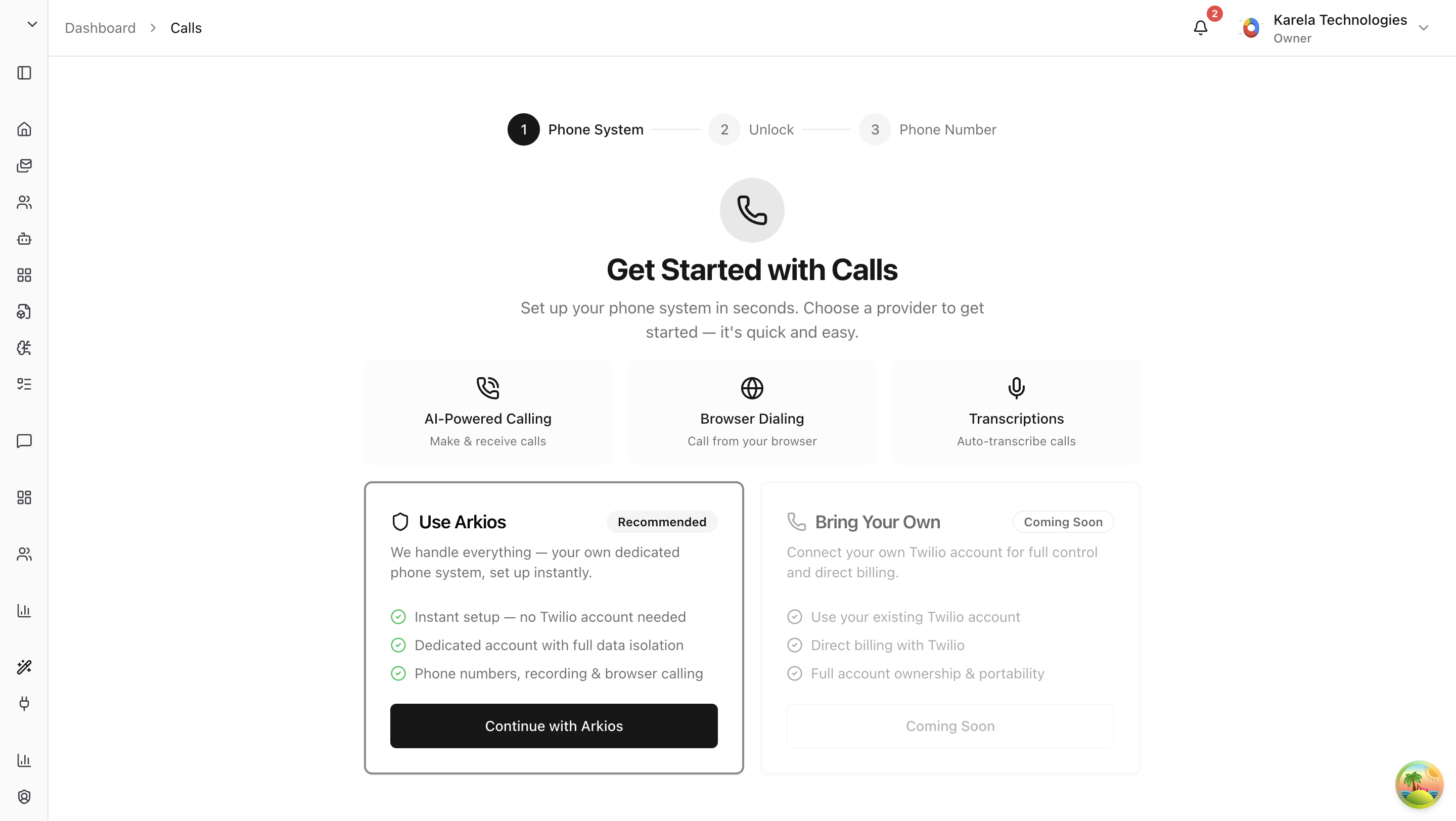
Step 1: Choose a Provider
The first thing you'll see is a choice of phone provider.
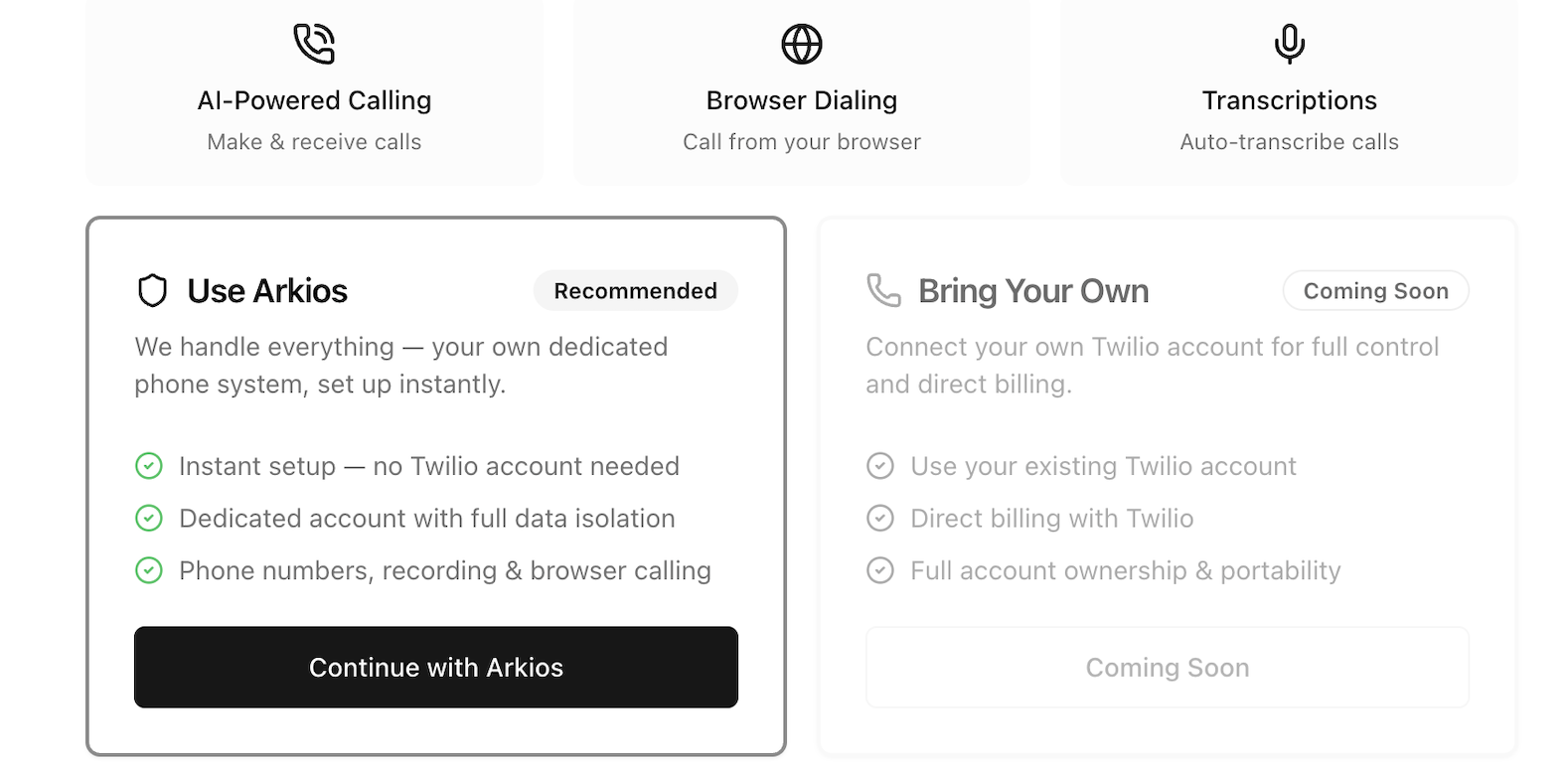
| Option | What It Means |
|---|---|
| Use Arkios (Recommended) | Arkios sets everything up for you — a dedicated phone account, data isolation, number provisioning, call recording, and browser calling. No configuration needed. |
| Bring Your Own | Connect your own phone provider. (Coming soon — not available yet.) |
Click "Continue with Arkios" to move to the next step.
Step 2: Unlock Your Call Subscription
The call feature runs on a seat-based subscription. A seat is a slot that gives one team member access to make and receive calls.
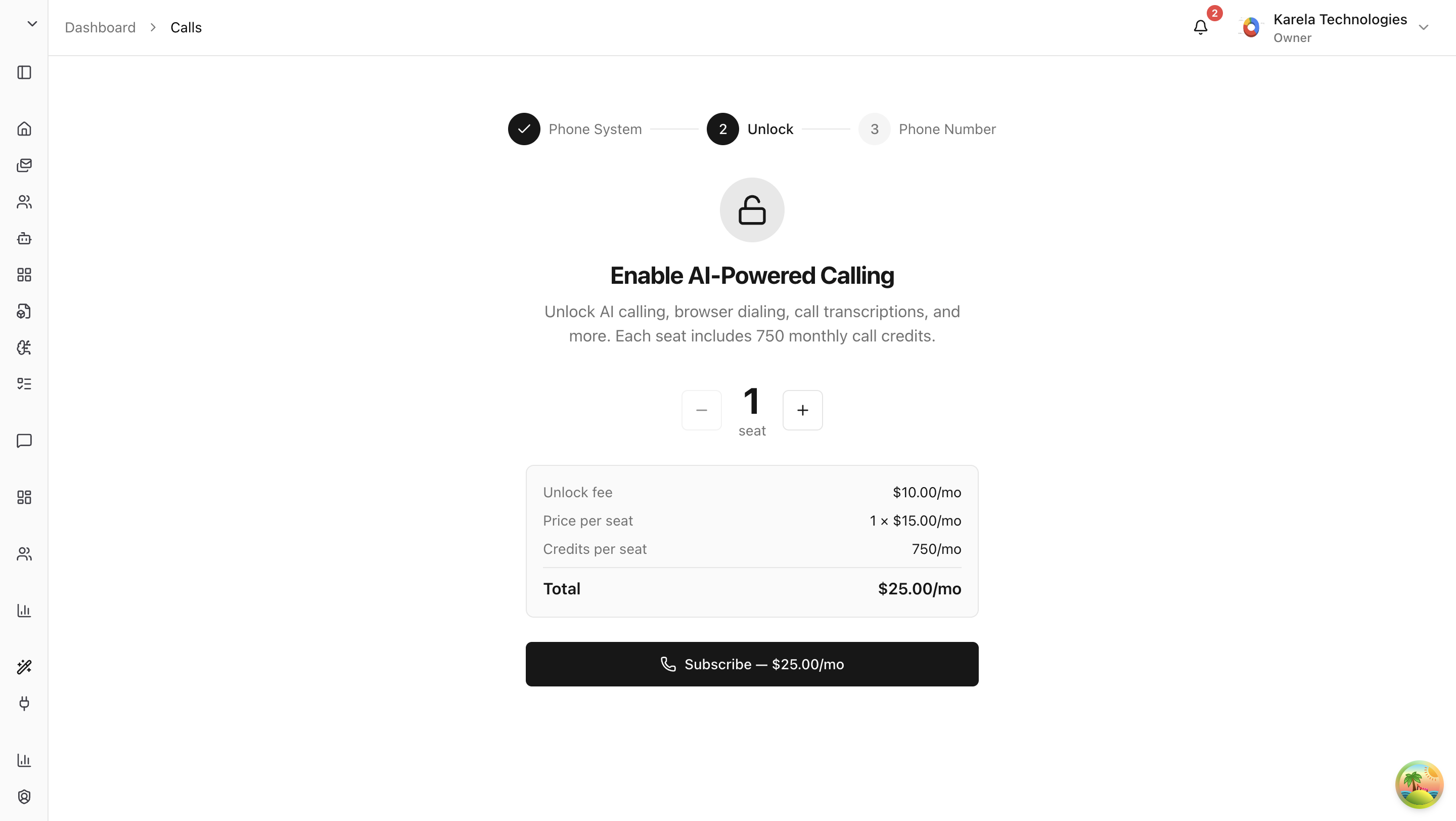
Here's what you're paying for:
- Unlock fee — a monthly fee to activate the call service for your enterprise.
- Per-seat fee — a monthly cost for each seat. Pick how many seats you need (you can add more later).
- Call credits — each seat comes with a monthly allocation of call credits. Credits are used when making or receiving calls.
Once you've selected your seat count, you'll be taken to a Stripe checkout page to complete payment. As soon as payment goes through, your subscription is active and you can move to the next step.
Step 3: Provision an Enterprise Phone Number
Now you need to pick a phone number for your enterprise. This is your enterprise number — it's shared across your whole team.
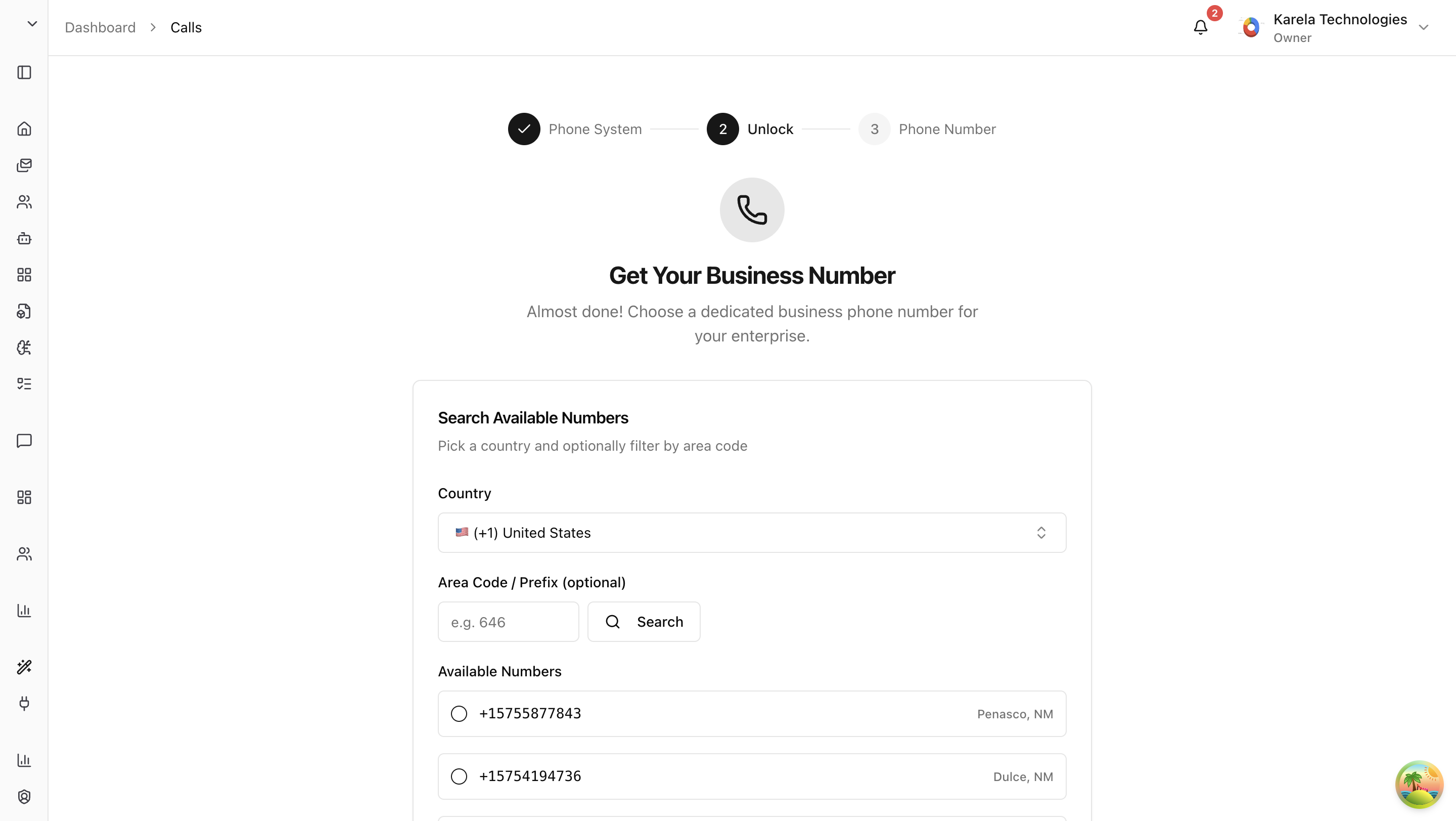
- Select a country from the dropdown (US is listed first for convenience).
- Optionally enter an area code to narrow down the results.
- Browse the list of available numbers.
- Pick the one you want and click "Provision".
What Is the Enterprise Number For?
The enterprise number is not used to make outbound calls. It exists for one specific purpose: call routing.
Here's the scenario: You're away from your laptop and want to make a phone call that gets recorded. If you dial someone directly from your personal phone, Arkios has no way to track that call. But if you call the enterprise number first and enter the destination number, the system routes your call through Arkios. That means your call is recorded and transcribed — even though you're on your personal phone and not using the website.
Think of the enterprise number as a gateway that lets your personal phone calls go through the Arkios system.
What's Next?
The enterprise setup is done. Now each team member who has been assigned a seat needs to complete their own Personal Onboarding — verifying their phone, optionally getting a business number, and choosing how they want to receive calls.
Last updated: April 11, 2026